01 · Palette
Mouse only
Drag a window to reveal the palette, then drop onto a layout
Window layouts, gestures, workspaces, shortcuts and Dock control for Mac
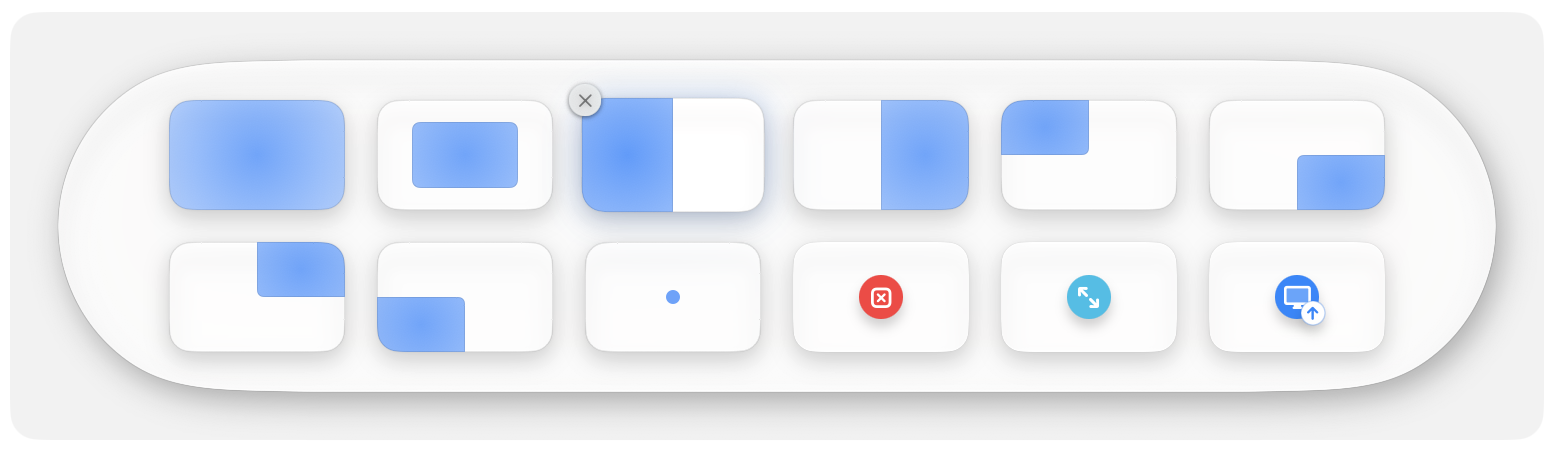
01 · Palette
Drag a window to reveal the palette, then drop onto a layout
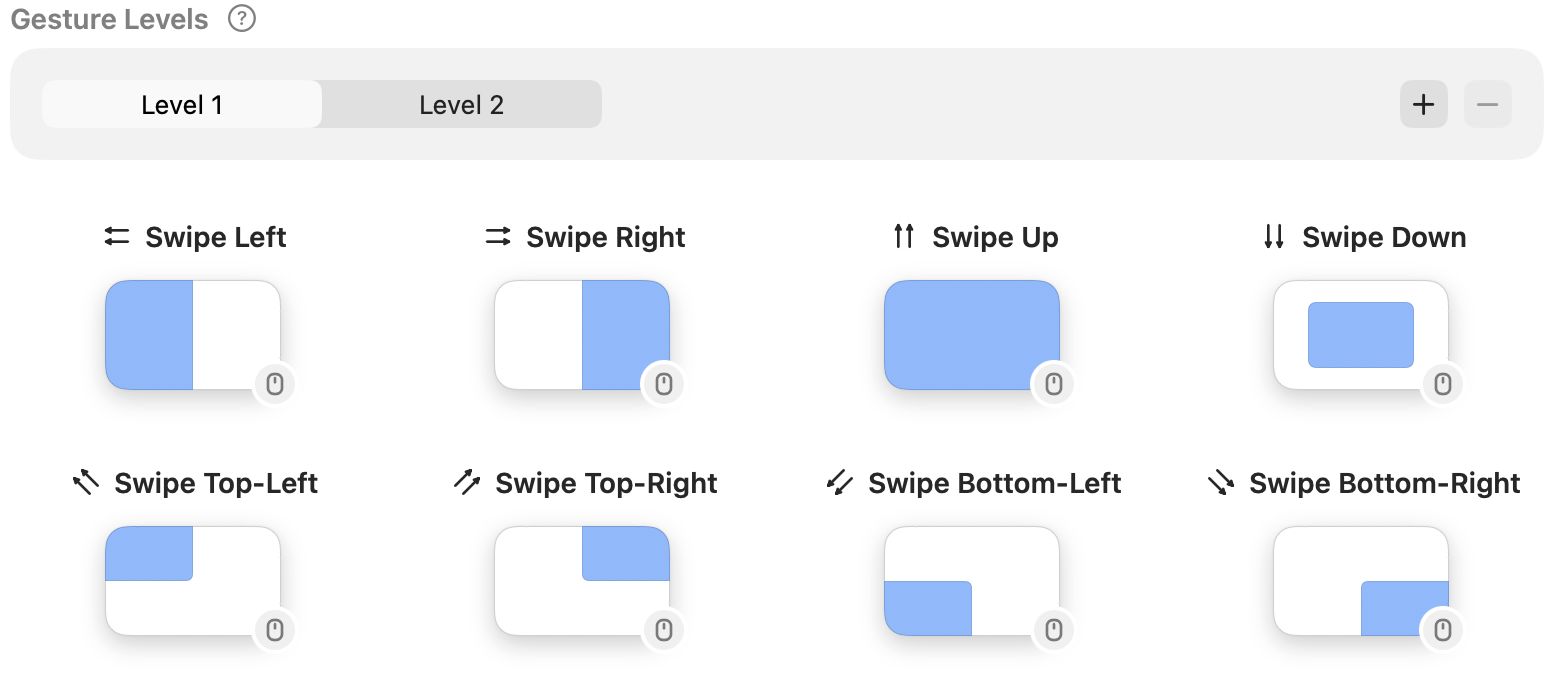
02 · Gestures
Trackpad gestures and mouse swipes, with levels for layouts and moves across displays
03 · Shortcuts
Press again to cycle through your chosen sizes and positions
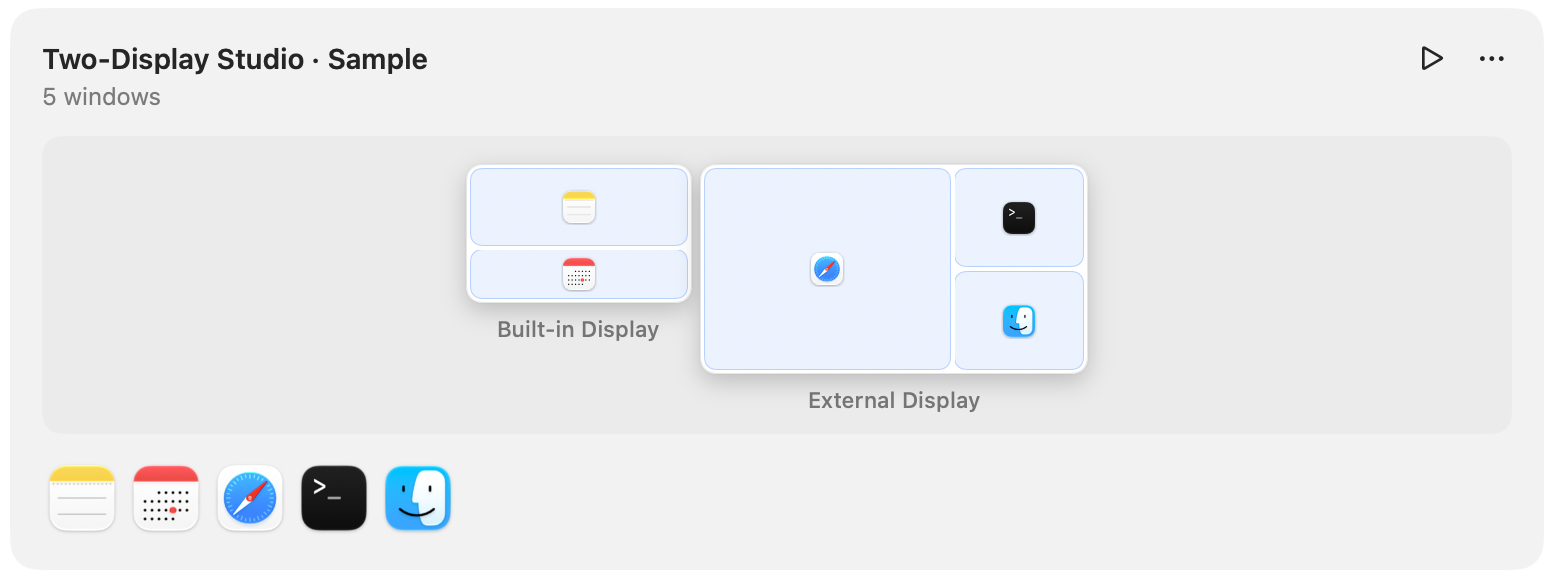
04 · Workspaces
Save your current screen layout, or add, remove, move and resize windows on the canvas
How to save and restore a window layoutRestore from
05 · Dock
Use gestures on a Dock icon to place windows or control the app
Hover to preview windows, click to bring one forward
06 · Make it your own
Arrange your layouts and actions
07 · Make it your own
Map layouts and cross-display moves by level
08 · Make it your own
Save multi-display layouts as workspaces
Try 1Layout for 14 days without an account or payment
One license covers 3 Macs
Enter the purchase email and key under License to remove an old Mac and make room for a new one
1Layout ($14.99) includes 12 months of updates
1Layout Lifetime ($24.99) provides lifetime updates while 1Layout is in active development, with no renewal needed
With 1Layout, keep using covered versions with a valid license and periodic verification
Renew another year of updates for $4.99 when you need newer versions — not charged automatically
1Layout Lifetime licenses need no renewal
macOS 14 or later, with Accessibility permission to control windows
Screen Recording permission is optional for window preview images